Introduction
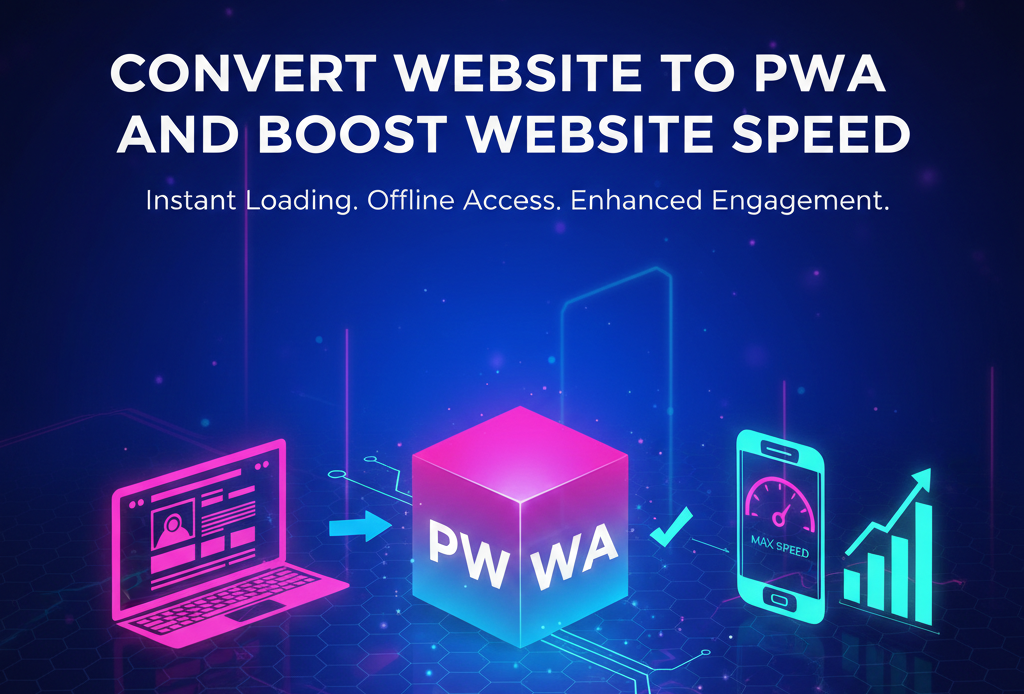
Websites are changing fast. Users now want speed, smooth design, and mobile-like experience. This is why many site owners want to Convert website to PWA.
A PWA means Progressive Web App. It looks like a website but works like a mobile app. When you Convert website to PWA, your site loads faster and works even with poor internet. It also allows users to add your site to their home screen.
In this guide, you will learn what PWA is, why it matters, and how to Convert website to PWA step by step. This article uses simple words and clear ideas. It is perfect for beginners, bloggers, and business owners.
What Does “Convert Website to PWA” Mean?
A typical website may be transformed into an app-like experience by converting it to a PWA. Although it operates in a browser, a PWA has the feel of a mobile application.
App Store approval is not required for a PWA. It may be accessed straight from the browser by users. Additionally, they may store it on their PC or phone.
Your website becomes quicker, safer, and more dependable when you convert it to PWA. Service workers and web app manifests are examples of contemporary web technologies used for this.
The reasons for Converting Your Website to a PWA
Slow websites are frequently abandoned by users. These days, speed is crucial. Pages load smoothly and rapidly when a website is converted to PWA.
PWAs can also function offline or with sluggish internet. The user experience is greatly enhanced by this. Even if the connection fails, users may still read the material.
Engagement is another significant advantage. Push notifications can be sent by a PWA. This encourages visitors to return to your website.
Many experts now advise converting websites to PWA for improved growth because of these advantages.
The Most Important components of a Progressive Web Application
Unlike regular websites, PWAs offer unique characteristics. The website seems like a true app because to these features.
A PWA loads quickly. It saves files in a cache. Performance and speed are enhanced as a result.
It’s safe as well. HTTPS is used by PWAs. This safeguards user information.
Your website becomes installable when you convert it to PWA. It doesn’t require an app store for users to add it to their home screen.
To improve performance, convert your website to a PWA.
Users and search rankings are impacted by a website’s speed. Slow websites lose visitors and credibility.
The website employs clever caching when it is converted to PWA. After the initial visit, pages load instantly.
Core Web Vitals are enhanced as a result. Fast and seamless websites are preferred by search engines.
For this reason, a lot of developers advise converting websites to PWA in order to boost SEO and speed.
Convert a Website into a PWA for Mobile Users
The majority of consumers utilize mobile devices to browse. They anticipate design and speed similar to an app.
Every screen size may be accommodated by a PWA. It functions nicely on PCs, iPads, and phones.
Users may have a better mobile experience without downloading an app when you convert your website to PWA.
As a result, people stay on your website longer and your bounce rate decreases.
How a Website Can Be Converted to PWA
Three essential components are required to convert a website to PWA.
A secure HTTPS connection comes first. This maintains the site’s security.
A web app manifest comes in second. This file instructs the browser on how the application should appear.
A service worker comes in third. This manages offline access and caching.
When together, these components enable effective website conversion to PWA.
Use Easy Tools to Convert a Website to a PWA
Converting a website to a PWA does not necessarily need coding knowledge.
Numerous plugins and utilities can be useful. PWA plugins make it simple for WordPress users to transform their websites.
PWA builders are also available on other platforms. These programs automatically produce files.
This makes converting a website to a PWA simple and stress-free for novices.
Convert a Website into a PWA for Business Development
Businesses want dependability and quickness. Sales might be impacted by a sluggish website.
Your website loads more quickly and functions offline when you convert it to PWA. Trust is increased as a result.
Additionally, push notifications facilitate the sharing of offers and information by businesses.
As a result, many companies are already converting their websites to PWA in order to increase consumer interaction.
PWA vs. Native Mobile App Conversion for Websites
The app store must approve a native app. It is also more expensive to construct and maintain.
A PWA is simpler and less expensive. It uses a single code base to operate on every device.
You may save time and money by converting your website to PWA.
Because of this, PWA is a wise option for small and new companies.
Convert Website to PWA for SEO Advantages
For traffic, SEO is crucial. Fast websites are preferred by search engines.
Page speed increases when a website is converted to PWA. This improves search engine ranks.
Additionally, a lower bounce rate gives search engines good signals.
For improved outcomes, several SEO specialists advise converting websites to PWA.
Convert Website to PWA: Common Errors
Some individuals neglect to try offline mode. Errors may result from this.
Images and scripts are not optimized by others. Performance is lowered as a result.
Always test user experience and performance while converting a website to a PWA.
After launch, problems can be avoided with proper testing.
Convert Website to PWA When?
PWA is an excellent choice if there are a lot of mobile visitors to your website.
You should convert your website to PWA if you desire increased speed and engagement.
PWA is useful for blogs, news websites, retail establishments, and service websites.
When your website is already secure and reliable, it is preferable to convert it to PWA.
FAQs
What does Convert website to PWA mean?
It means turning a normal website into an app-like experience with better speed and features.
Is it hard to Convert website to PWA?
No. With tools and plugins, beginners can easily Convert website to PWA.
Does PWA work offline?
Yes. When you Convert website to PWA, offline access is possible.
Is PWA better than a mobile app?
For many websites, yes. Convert website to PWA saves cost and time.
Does PWA help SEO?
Yes. Convert website to PWA improves speed and user experience, which helps SEO.
Final Thought
Web users expect fast and smooth experiences. A slow site can lose visitors quickly.
When you Convert website to PWA, your site becomes faster, smarter, and more engaging. It works like an app without the extra cost.
For blogs, businesses, and service websites, PWA is a strong future-ready solution. If you want better performance and growth, it is the right time to Convert website to PWA.